Bildgalleri
(1/3)
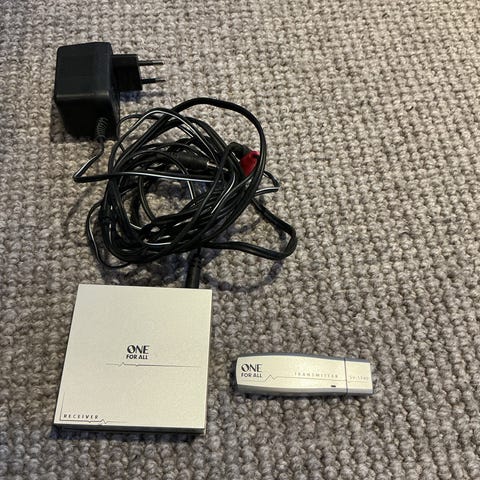
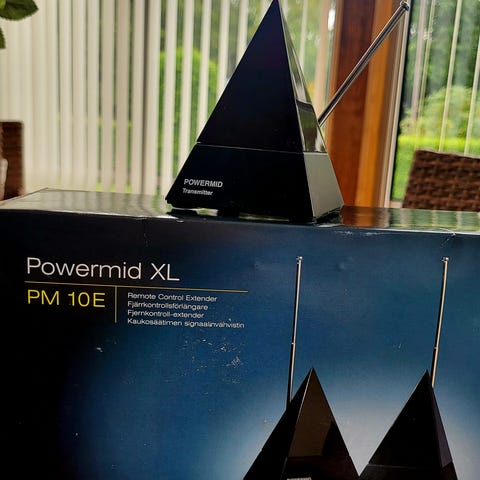
Powermid x10 trådlös sändare
Säljes
200 kr
Frakt från 19,50 kr + köpskydd 38 kr. Fraktkostnaden är ett erbjudande och kostar vanligtvis 39 kr.
Trygga affärer med Frakt med köpskydd
Efter leveransen har du 24 timmar på dig att inspektera varan. Om något är fel med den får du pengarna tillbaka
Skapa ett paket
Köp fler varor från säljaren och betala bara för frakten en gång.
Varubeskrivning
Skick: Bra skick - varsamt använd
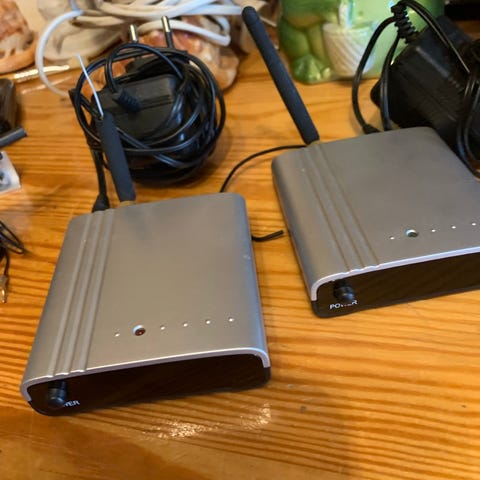
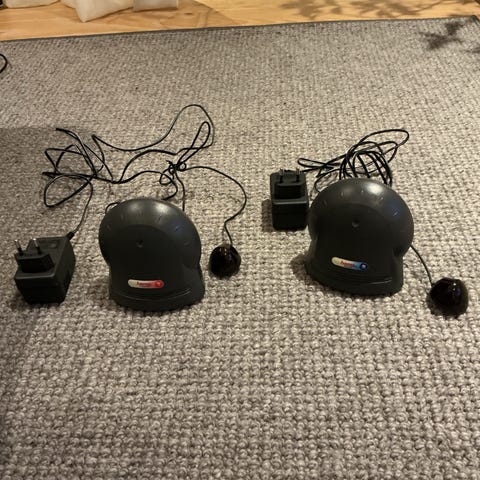
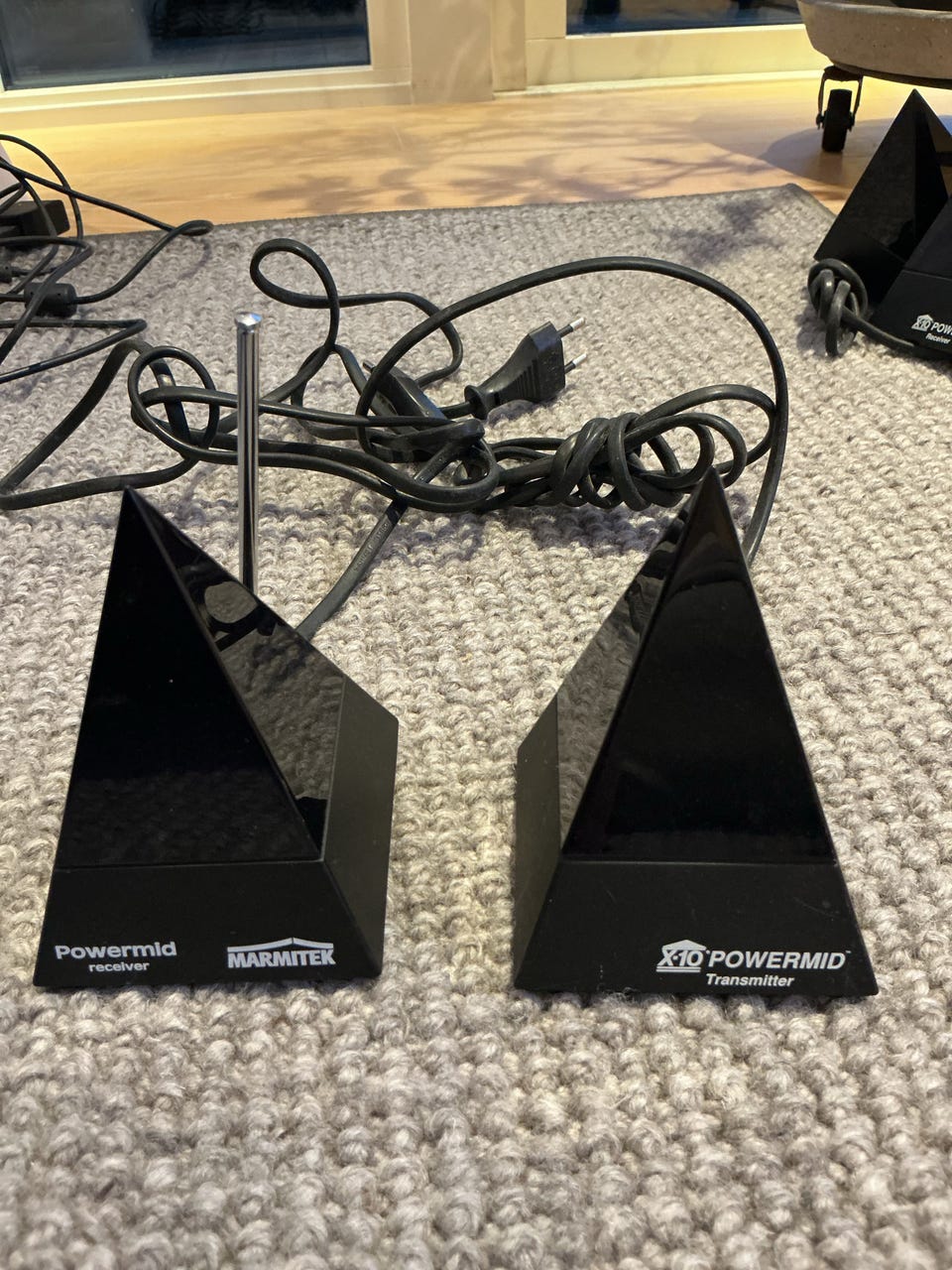
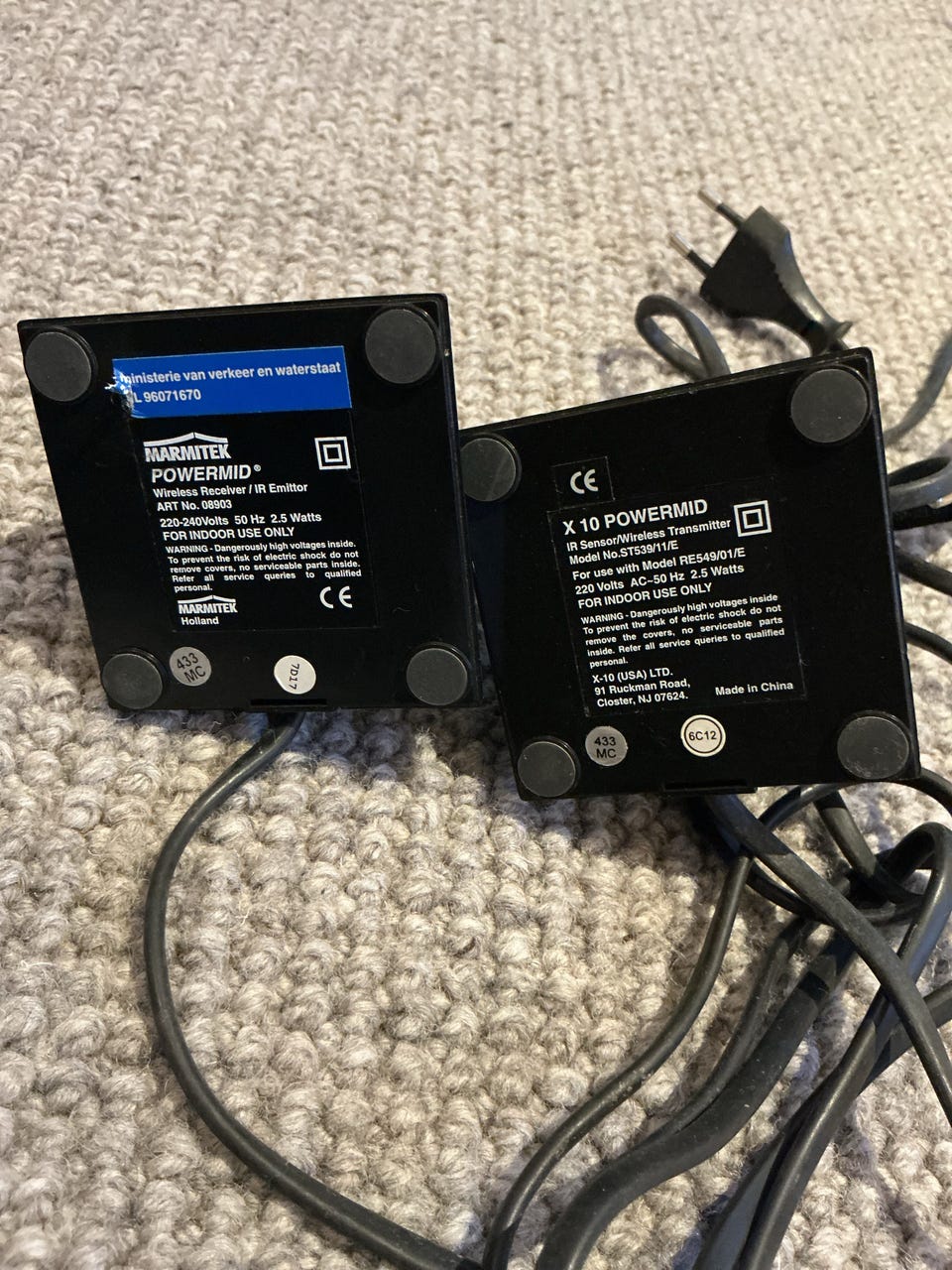
Powermid x10 trådlös sändare
https://www.x10.com/products/pm5900?srsltid=AU7gw4WcBEnGEC2uTK0ZEUu8Ah1nE9Od5ECZacXRWocWVrBmSYAbj2Qa
The X-10 Powermid Wireless RemoteSENDER (Model PM5900), is the perfect compliment to your home theater and entertainment center. The X-10 provides you the ability to control audio and video from any room in your house by cutting the tether on standard infrared remotes and giving you the ability to send commands to any remote controlled AV equipment; up to 100 ft away! Using your existing remote’s features from any room in the house, it works by converting infrared signals from your remote control into RF signals and back to IR again for electronics located in other rooms of the house. Use it for most any audio and visual gadgets like: DVDs, stereos, televisions, satellite receivers, cable, VCR, CD players, and HD LCD projectors.
The Powermid takes only a few minutes to set up and operate. To install, place the transmitter in another room and place the receiver anywhere in the room where the equipment you want to control is located. Once activated, the transmitter receives the infrared (IR) signals from your remote control and instantly converts them into a digital radio frequency signal. The broadcast signal penetrates through floors, doors or walls and is pick up by the Receiver unit. The Receiver then transmits an IR signal to the equipment being controlled.
The pair of pyramid designed controllers both plug into any AC outlet and use only 5 watts of power. Each one is 3 inches square at the base and 4 inches high, and add a unique look to any room. Whether you’re on your patio, bedroom or bath, you can control volume, video, music and any other features your remote control offers from any room in your home!
Setting up the Remote Extender
Put the transmitter in the room where the remote control is. Place it so the remote can be pointed at the transmitter without obstructions.
Plug the transmitter into a power outlet.
Make sure the front of it (with the Powermid name on it) faces you.
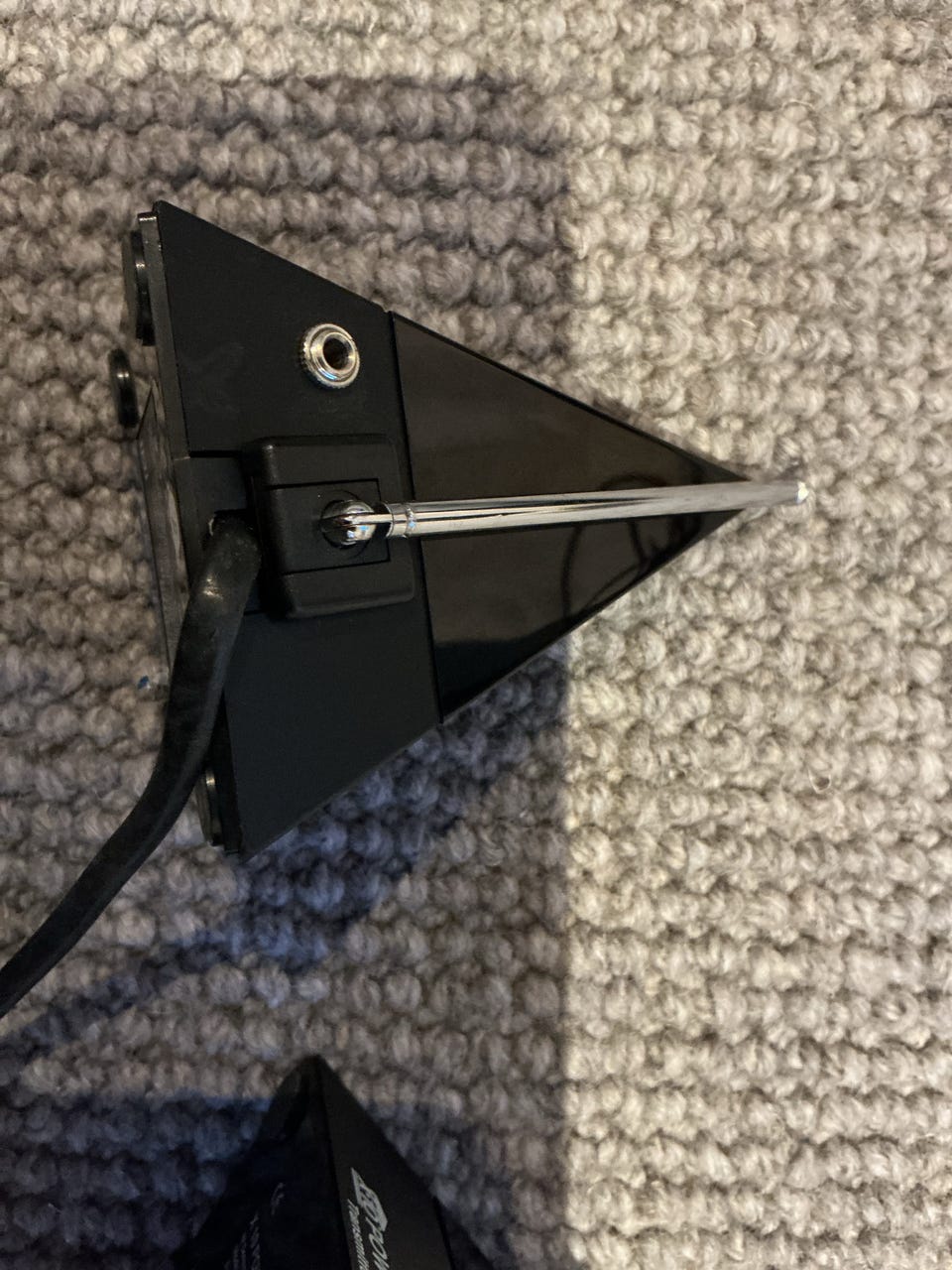
Position the receiver in the room with the audio-video device so the side with the logo points toward it. Extend its antenna.
Plug the receiver into a power outlet. Note: If it is not practical to position the receiver in this way, an optional IR extender cable is available (see Powermid Extender Cable).
Test the Remote Extender
Point your remote control at the Transmitter and press any button.
The Transmitter receives the Infrared (IR) signals from your remote and converts them to Radio Frequency (RF) codes.
It sends these codes (even through walls and ceilings) to the Receiver which converts the codes back into Infrared commands to control your Television, VCR, etc.
Frequently Asked Questions (PM5900)
How do I set up the Infrared Remote Sender (PowerMID)?
With the Remote Extender you can use almost any remote to control televisions, VCRs, stereos, CD players, DVD players, DVRs, or satellite systems from anywhere in your home.
The complete system consists of a transmitter and a receiver. You can add additional transmitters and receivers to extend remote control to more devices in more rooms.
The light on my Powermid transmitter stays on all the time and my remote doesn't work. What should I do?
The PowerMid transmitter light should only be on when you are sending commands from your remote. If the light stays on constantly, your Powermid may be receiving Radio Frequency (RF) interference from a nearby device. This typically happens when the unit is placed directly on top of a television set.
To solve the problem, try moving the Powermid transmitter away from any possible source of Radio Frequency interference. You may only need to move it a few inches to resolve this issue. When it is operating correctly, the LED on the transmitter is dark unless it receives a signal from your remote.
Does this unit send video?
No, this unit does not send any video or audio signals. This unit simply sends IR (Infrared) Signals from your remotes from the transmitter to the receiver via RF (Radio Frequency). It is designed to enable you to hide the devices that are controlled via RF Remote Control (line of site) by essentially creating a portal from one unit to the next so that your IR Remote no longer needs to see line of site (so you can hide your equipment). It does not do anything with video or audio signals.
Why does the red light on my PowerMid sometimes flicker?
There can be two possible causes for this depending on which PowerMid has the flickering light:
If the ST539 (the one without the antenna) has a flickering Light Emitting Diode (LED) it means it is picking up stray infrared (IR) interference from somewhere. There is infrared light in sunlight so the first possible cause could be that the ST539 is positioned so that direct sunlight falls on it. If this is the case, try moving it out of the sunlight. A second cause could be that it is placed directly under and lamp. Incandescent lamps also emit a certain amount of light in the infrared wavelength. Again the solution is to move the ST539 away from the lamp.
If the RE549 (the one with the antenna) has a flickering LED, it means it is picking up some stray Radio Frequency (RF) interference. If the RE549 is placed on top of a TV it might pick up some interference from the TV. The solution is to move it a few inches away from the TV.
If both the ST539 and the RE549 have flickering LEDs, it might be that the ST539 is picking up some stray infrared light, converting the IR noise to RF noise and transmitting it to the RE549, causing its LED to also flicker. The solution is to unplug the ST539 and see if the LED on the RE549 stops flickering. If it does, move the ST539 away from the source of IR light (table lamp, direct sunlight, etc.).
Has anyone else had control issues with these units and offered suggestions or fixes?
Customer Comment:
Användarprofil

Du måste vara inloggad för att se användarprofiler och skicka meddelanden.
Annonsens metadata
Senast ändrad: 2026-10-14 kl. 18:34 ・ Annons-ID: 27416667